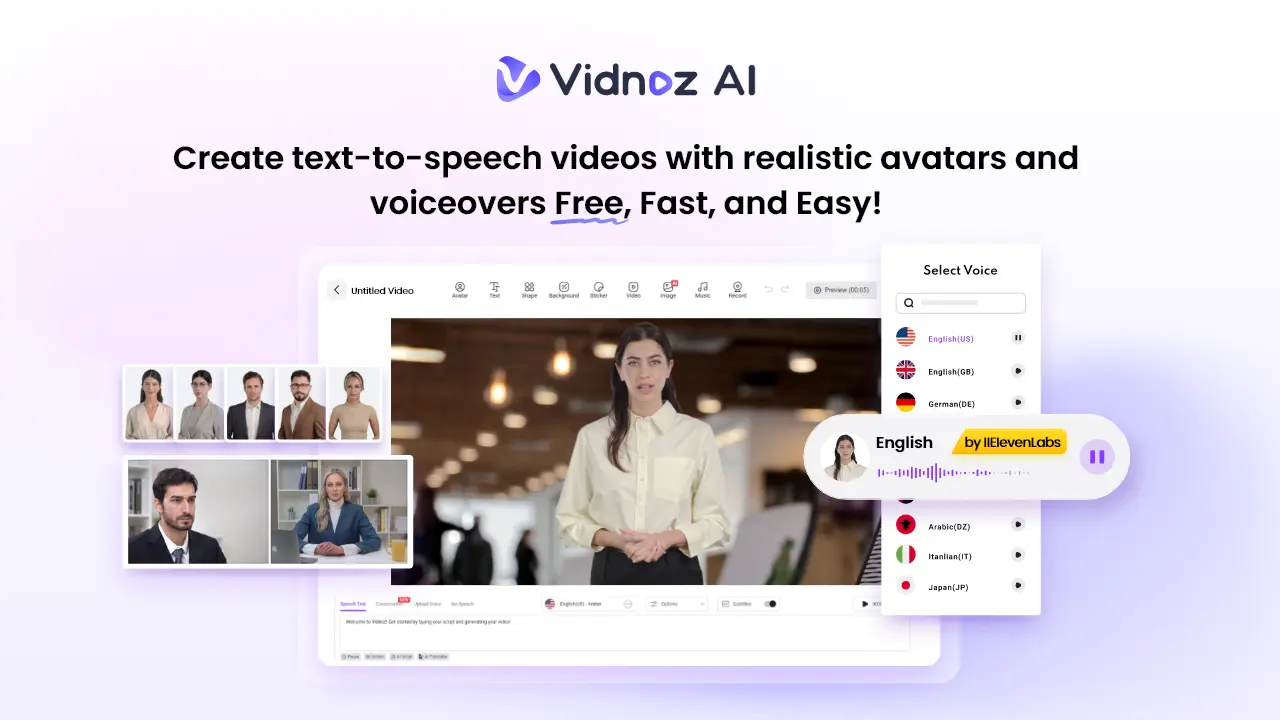
Streamlined onboarding is one of the quickest ways your business can increase employee performance and retention in 2026. Vidnoz AI empowers learning and development (L&D) teams to quickly turn long slide decks and PDF manuals into short, engaging onboarding videos in minutes instead of weeks. It’s free to start and easy for HR and L&D departments to try out new content without having to wait for a production agency or internal video department to become available.
Why Does Vidnoz AI Align With Modern Onboarding Trends?
Digital onboarding isn’t a single course, but rather a series of microlearning videos. These bite-sized clips cover essential lessons that employees can watch between completing “real work.”
Certified with ISO/IEC 27001:2022 for Information Security Management, Vidnoz AI enables enterprise-grade microlearning by allowing you to rapidly produce dozens of secure training videos. Each one can highlight one specific idea at a time, such as “company values” or “how to submit expenses.” With thousands of built-in avatars, voices, and video templates, managers and content owners can update training modules or localize videos in hours instead of having to source and produce new video footage from scratch.
International HR departments will especially appreciate Vidnoz AI’s language capabilities. Over 2,000 realistic AI voices are available across 140+ languages and accents. Instead of hiring local video production talent, HR can produce onboarding modules that sound native in each region while following the same core script.
Creating consistent scripts helps HR departments standardize training messages about culture, compliance, and essential processes while still considering local audiences.
Exploring the Features of Vidnoz AI
At its core, Vidnoz AI combines four primary tools in one online workspace.
AI Avatars
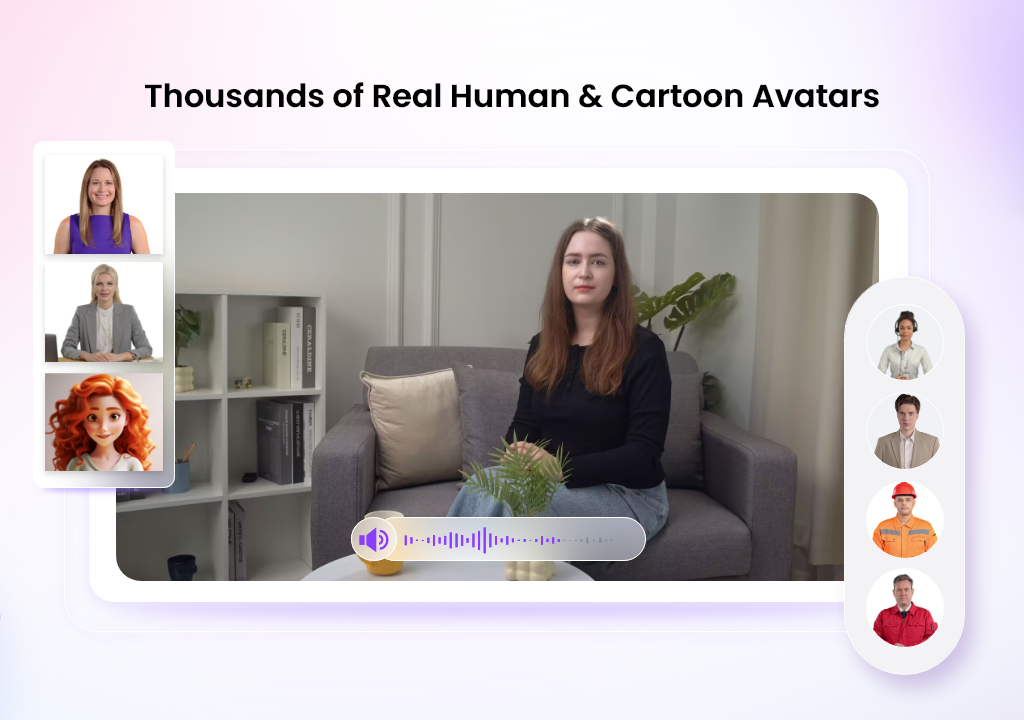
First, Vidnoz AI Video Generator provides over 1900 realistic AI avatars representing people from all industries, occupations and roles – including teachers, managers, customer service agents and many more. Users can also upload photos to create custom talking avatars that match their company culture. These AI avatars serve as on-screen presenters for new modules. This means that your team doesn’t need to work around presenter schedules, video cameras or studio bookings whenever they want to update a video lesson.
Video Templates
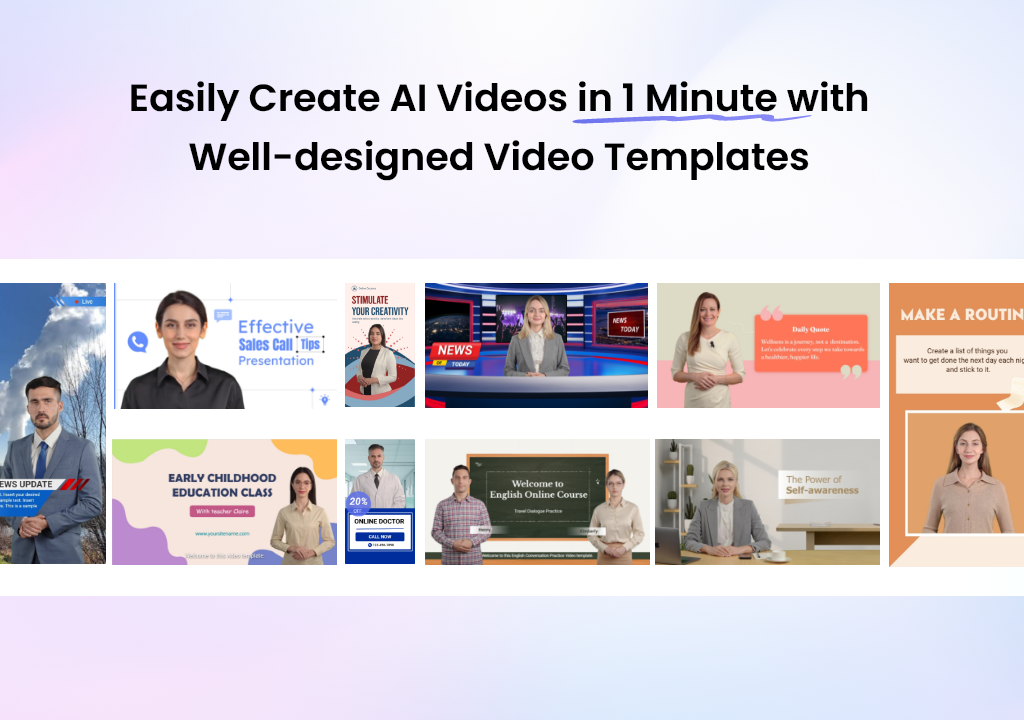
Secondly, Vidnoz AI has more than 2800 video templates specifically designed for employee training. Some are tailored for software tutorials, sales demos, or product walkthroughs. Others are organized as announcement videos, employer branding clips, or standard employee training templates.
AI Voices
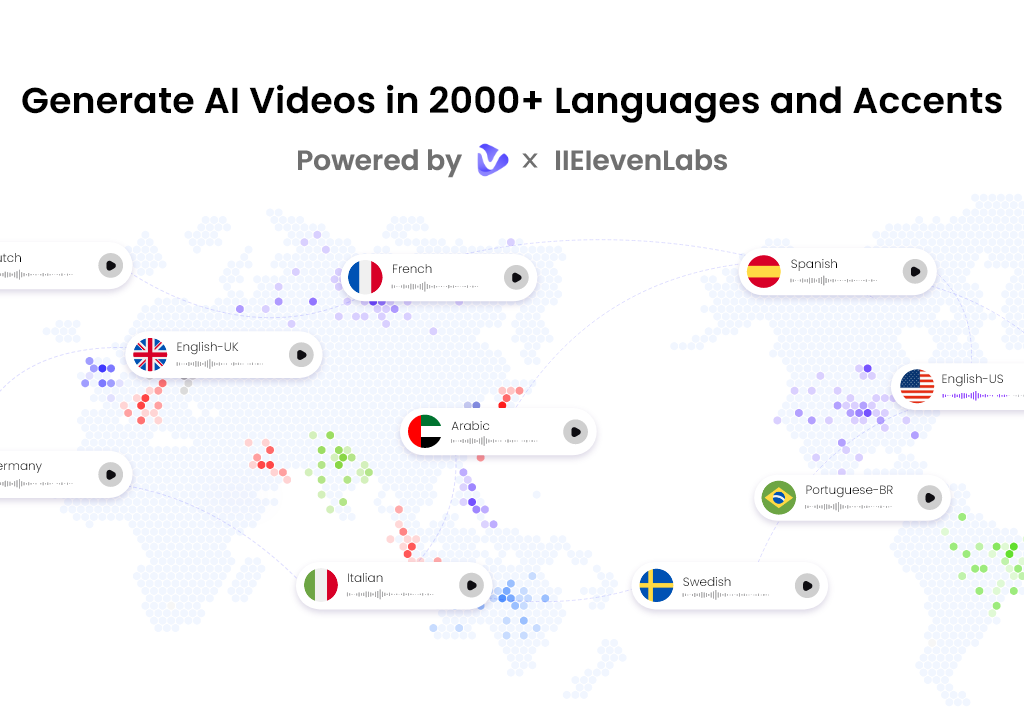
Thirdly, Vidnoz supplies AI voices to match. On its website, Vidnoz lists over 2,000 AI voices powered by industry-leading providers like Google, Microsoft and ElevenLabs. Users can also elect to use a voice cloning feature, which lets you upload internal audio clips to recreate your own employees as AI narrators. Once you find the right voice, there are settings to adjust speaking style and tone.
Drag and Drop Editor
Finally, all these features are housed in an intuitive drag-and-drop editor with “ultra-fast” video generation technology. Users can trim existing video clips, swap out backgrounds, revise AI-generated scripts, and drop in images from an asset library with just a few clicks.
When you’re satisfied with your creation, click generate, and Vidnoz will render your video in seconds. After a quick preview, teams can download videos in HD and upload them for use in HR databases, company intranets, email messages, or internal websites.
Free Pricing Model And Access To Media Library
Price always comes into question for new L&D projects. Vidnoz AI bills itself as a freemium model that you can use every day completely free of charge. It includes everything needed for core video creation tasks.
This means learning leaders can easily test out onboarding videos and onboard employees faster. They can experiment with different types of training styles until they discover what works for their employees, gather feedback from new hires, and iterate programs before investing in a premium subscription or scaling up for the entire organization.
How to Create Videos with Vidnoz AI?
Now you understand how Vidnoz AI Video Generator can facilitate onboarding; let’s review how it works. There are six fundamental steps to creating your first onboarding video using Vidnoz.
Step 1: Access the Workspace
Visit Vidnoz AI, click “Create Free AI Video”, and log in or sign up to enter the Vidnoz AI dashboard.
Step 2: Choose & Customize a Template
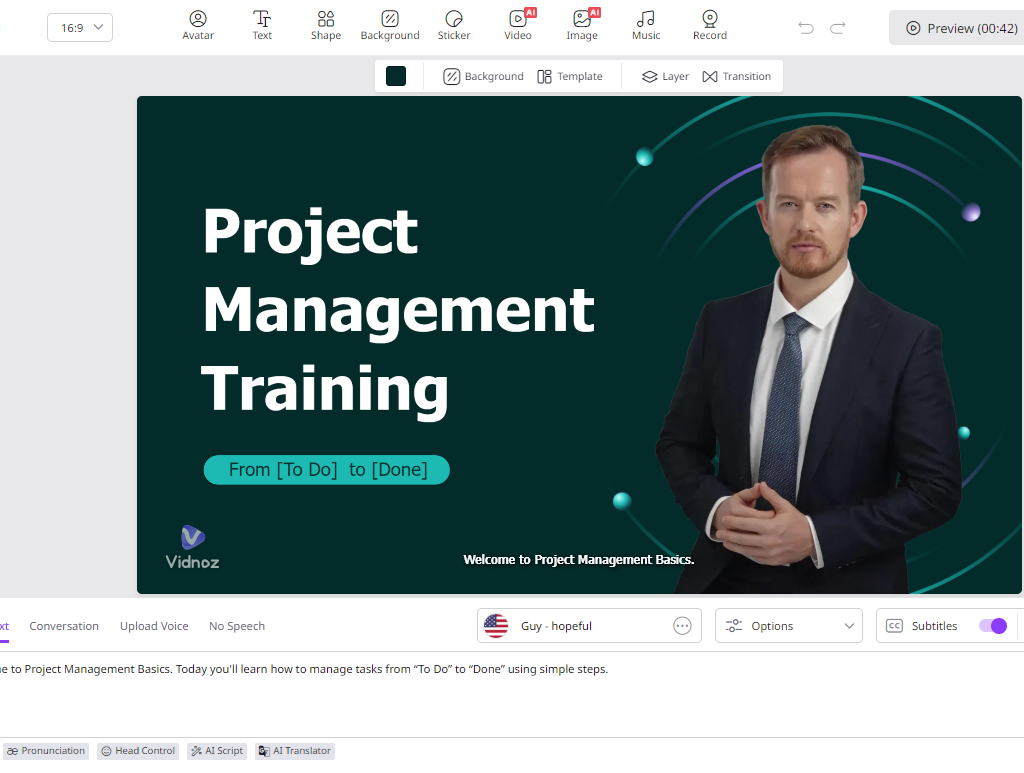
Browse the library (filter by keywords like “employee” or “training”) and select a template. Use the timeline to customize text, images, and brand assets for each scene.
Step 3: Set Avatar, Script, and Voice
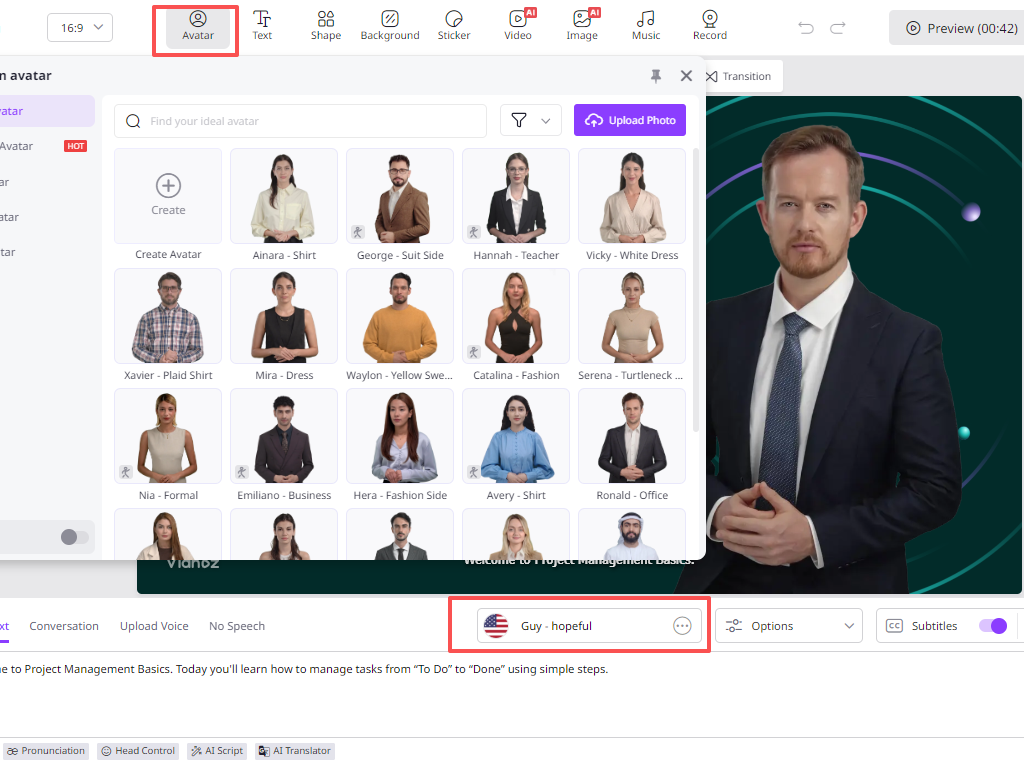
Select an AI avatar that matches your company culture. Paste your text or use the AI script generator, then assign a matching voice and language.
Step 4: Add Media & Fine-Tune
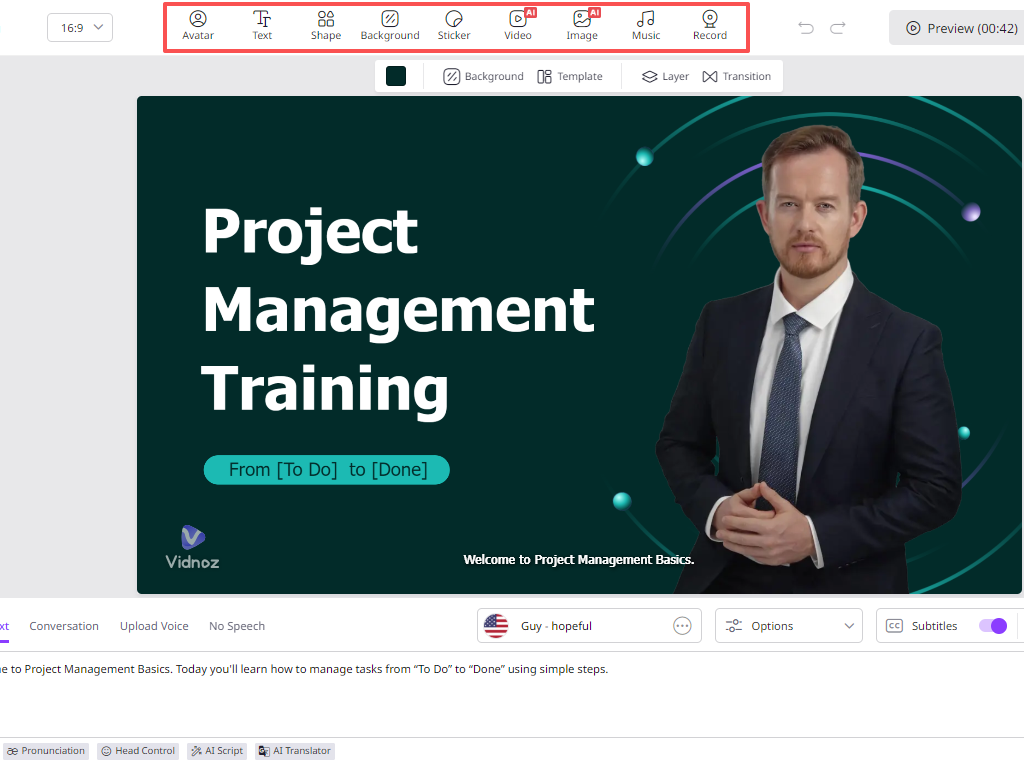
Enhance your video with screen grabs or assets from Vidnoz’s free media library. Perfect the pacing by adjusting subtitles, transitions, and scene durations.
Step 5: Generate & Export
Click “Generate” and track rendering in “My Creations.” Preview the final product, then download the HD video for publication.
Deploying Vidnoz AI In Your Learning Workflow
In reality, your L&D department will probably create more than one onboarding video. Organizations should build an onboarding experience that starts with pre-boarding and extends into day one, week one, and even onboarding during the first 90 days. Vidnoz can accelerate this process by helping HR leaders quickly develop a catalog of short themed training modules. Go ahead and start using Vidnoz AI today!
Also Read

Add a Comment